
Unity
Aetherium
Diegetic UI / Sci-Fi
Mobile (iOS/Android)
Live
A transparent look into our process, trade-offs, and the digital worlds we’ve built. Select a lens below to explore our methodology, project cartography, or a deep-dive into a shipped title.
Our Ideation Framework
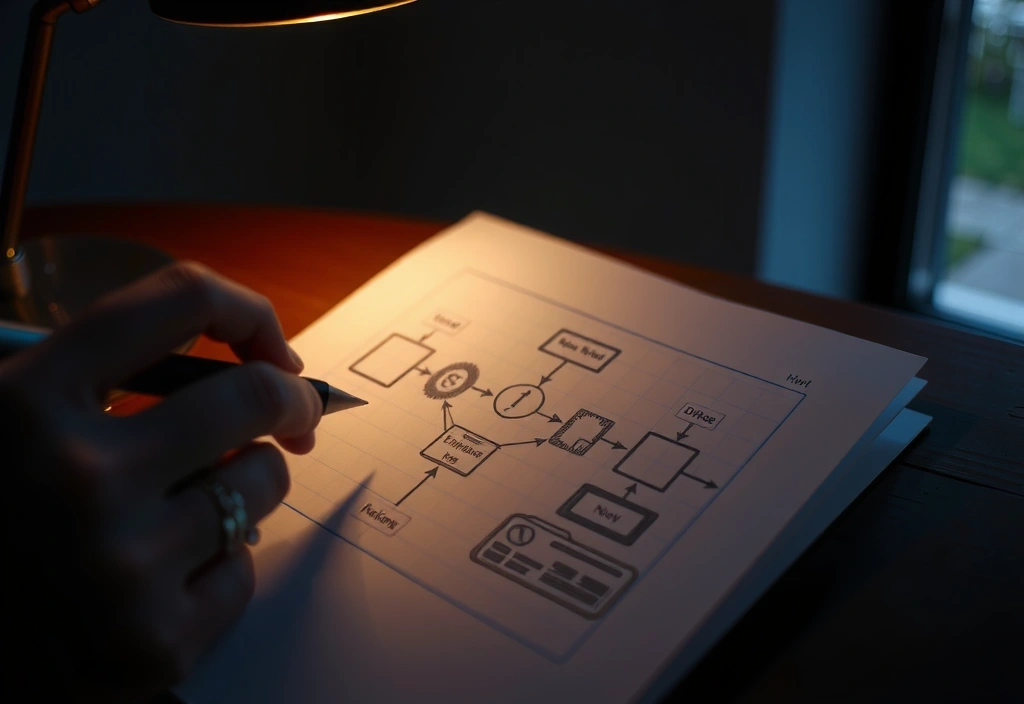
Most studios start with a theme or an aesthetic. We start with a single, atomic rule. Before any brush touches a pixel, we define the core loop—the one verb that drives the entire experience.
The 'Mechanic-First' Mandate
We begin with a single, compelling core loop (e.g., "gravity-based resource harvesting") before any visual design. This ensures the game is fundamentally fun to _play_, not just to _look at_.
Next, we apply the 'Narrative Lens' Filter. Every mechanic is viewed through a specific story genre—cyberpunk, mythic fantasy, minimalist sci-fi—to define its emotional tone. A gravity-harvesting loop feels different in a post-apocalyptic wasteland versus a floating sky-city.
"Constraints aren't a cage; they're the kiln that fires creativity into something tangible. A two-button control scheme isn't a limitation—it's a design challenge that forces elegant solutions."
The final output isn't just a game. It's a 'Digital Artifact'—a unique, collectible object with its own lore and aesthetic integrity. Our case study, 'Chrono-Weaver', is a prime example: the core mechanic (rewinding time) was derived directly from the narrative concept of 'unraveling a broken memory'.
A Cartography of Digital Worlds
Diegetic UI / Sci-Fi
Procedural / Arcade
Low-Poly / Strategy
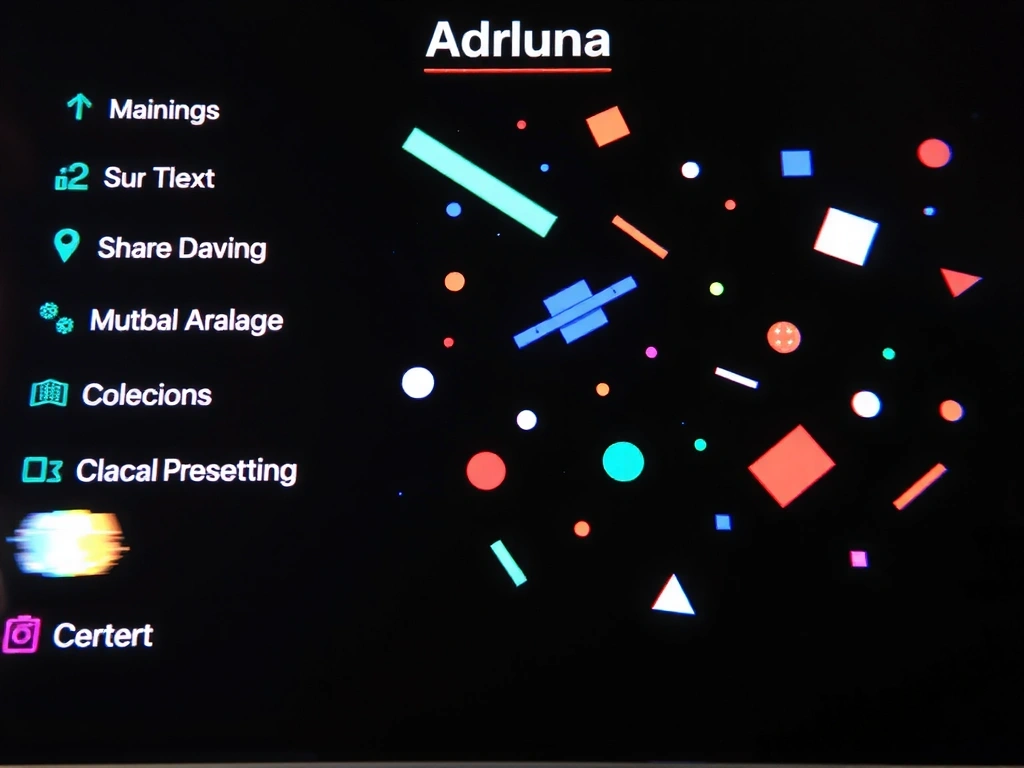
Experimental / Narrative

Simulation / Strategy
Building a Living UI
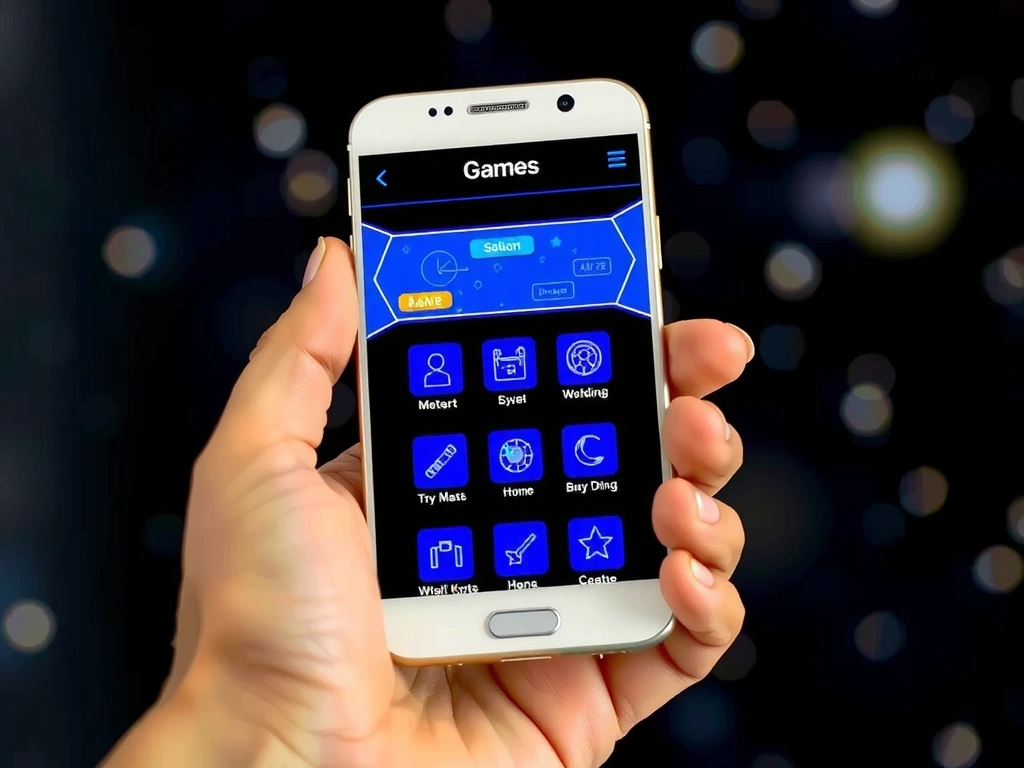
The game's interface needed to feel like a natural extension of the world, not a distracting HUD overlay. It had to be immersive, functional, and legible on a 4-inch screen in bright sunlight.
We designed menus as holographic projections emitted from in-game artifacts (ship consoles, datapads). The UI 'breathe' in sync with the game's ambient audio via a procedural animation system.
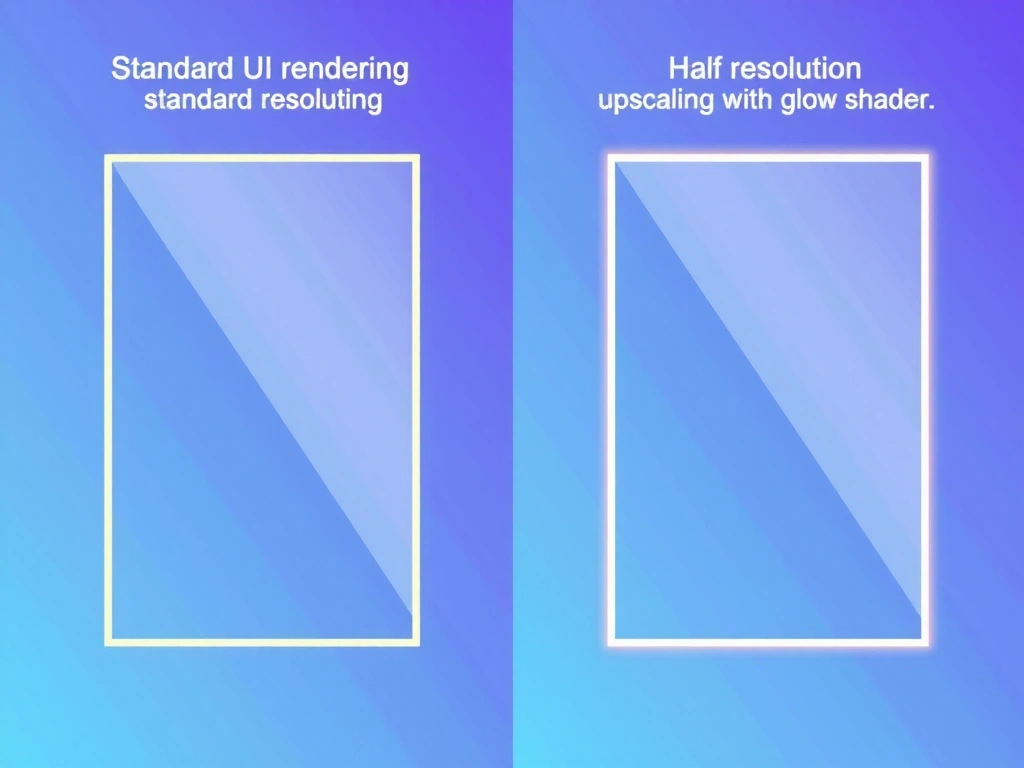
"The real innovation wasn't the shader. It was rendering the UI at half-resolution, then upscaling it with a custom filter to mimic the glow of old CRT displays. It saved 15% of the frame budget."
Achieved a 4.8/5 App Store rating, with specific praise for "the most beautiful interface." The key constraint was mobile battery life; the glow effect was optimized to activate only during user input.

A Decision Framework
Lessons From the Field
Adding a feature because it's impressive, not because it serves the core loop. How to avoid: Kill any feature that doesn't directly enhance the primary verb. Ask: "Does this make the core loop more fun or more complex?"
Baking UI only at the end of the cycle, leading to immersion breaks and high rework costs. How to avoid: Integrate the UI designer from day one. Start with low-fidelity wireframes in the prototype phase.
Designing UI only in a dark studio, leading to unreadable menus outdoors. How to avoid: Test all text and contrast ratios on a real device in direct sunlight during development.
We trade buzzwords for blueprints. Let's discuss your project's core loop, constraints, and visual ambition.
Start the ConversationAlexanderplatz 1, 10178 Berlin, Germany
+49 30 12345678 • info@fluxeno.pro • Mon-Fri: 9:00-18:00 CET